Rudder
The Rudder shows the angle of a rudder on a half-circle scale, with port to the left and starboard to the right. It is found in the Maritime - OpenBridge section of the Perspective Component Palette as Rudder.
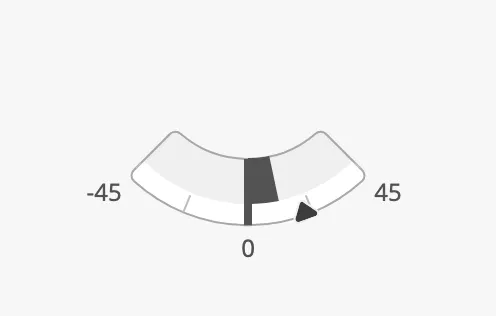
The parts of the instrument:
- Scale — from
-maxAngletomaxAngle, with zero at the bottom. See Range. - Value — the rudder angle, as a bar from zero or as a needle. See Angle.
- Setpoint — the ordered angle. See Setpoint.
The Rudder is one of the maritime instruments. State, priority, the setpoint, advice zones, the scale and sizing are shared by all of them and are described in Maritime Instruments — Common Features. This page covers what is specific to the Rudder. For a small symbol of the rudder, see the Rudder Indicator.
A Rudder dropped from the palette spans ±90° and has no labels:
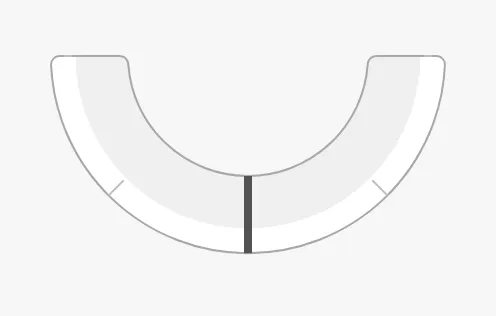
Bind angle to the rudder angle in degrees. Positive is starboard (to the
right), negative is port (to the left).
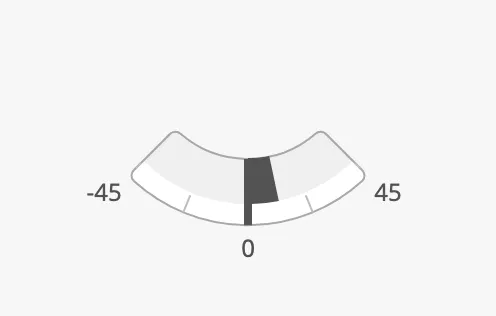
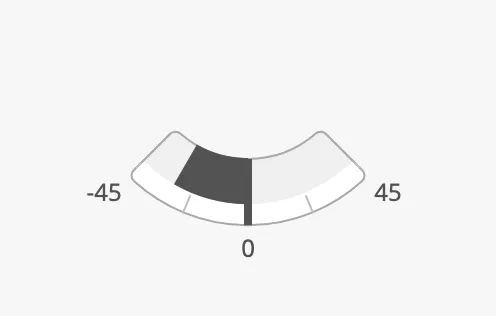
variant selects how the angle is shown:
| variant | Starboard (12) |
Port (-30) |
|---|---|---|
bar (default) |
 |
 |
needle |
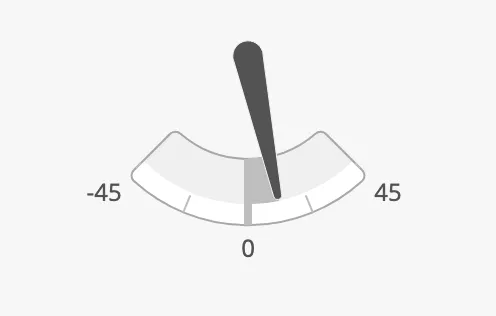 |
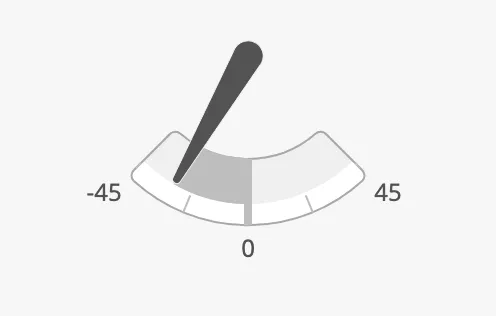 |
The bar fills the scale from zero to the angle. The needle is a pointer from
the centre, as on a traditional rudder angle indicator.
Properties
Section titled “Properties”| Name | Description | Property Type |
|---|---|---|
| angle | Rudder angle in degrees; positive is starboard. Default 0. |
value |
| variant | bar or needle. Default bar. |
value |
maxAngle is the largest angle of the scale, to each side. Set it to the
mechanical limit of the rudder.
35 |
45 |
|---|---|
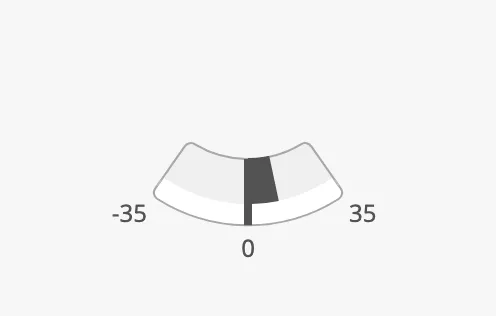 |
|
90 (default) |
|---|
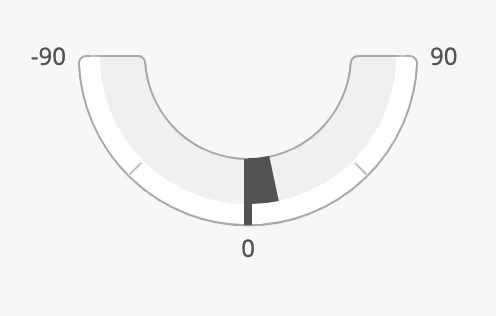 |
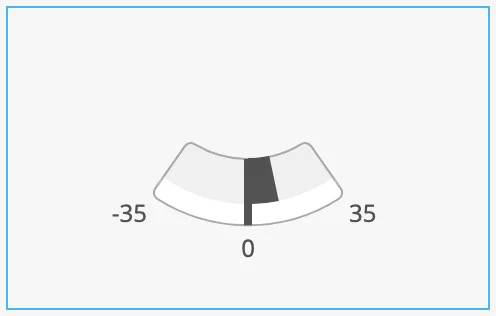
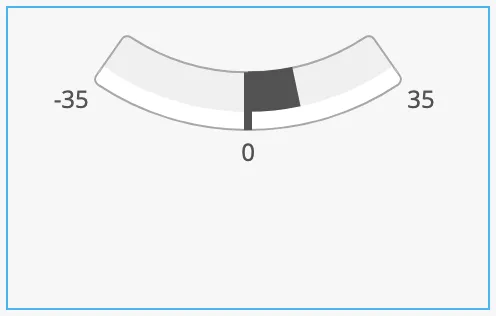
A scale with a small range is a short arc that leaves much of the box empty. Set
zoomToFitArc to true to enlarge the arc so that it fills the box. The blue
frame is the component’s box:
zoomToFitArc = false |
zoomToFitArc = true |
|---|---|
 |
 |
Properties
Section titled “Properties”| Name | Description | Property Type |
|---|---|---|
| maxAngle | Largest angle of the scale, to each side. Default 90. |
value |
| zoomToFitArc | Enlarge the arc to fill the box. Default false. |
value |
Common Properties
Section titled “Common Properties”These work in the same way on every maritime instrument, and are described in Maritime Instruments — Common Features:
- State —
state. - Priority —
priority. - Setpoint —
hasSetpoint,setpoint,autoAtSetpoint,autoAtSetpointDeadband,atSetpoint,touching,hasNewSetpoint,newSetpoint,animateSetpoint,setpointAtZeroDeadband,setpointOverride. - Advice Zones —
advices, withminAngleandmaxAnglein degrees. - Scale —
showLabels,tickmarksInside,tickmarkStyle. - Size —
hasFaceDiameter,faceDiameter. - Style and Events —
style.
Component Events
Section titled “Component Events”The Rudder has no component events of its own.
Examples
Section titled “Examples”Example 1 — Rudder with Order and Limits
Section titled “Example 1 — Rudder with Order and Limits”-
Drop a Rudder into the view and make it about 300 px wide.
-
Set
maxAngleto35,showLabelstotrueandzoomToFitArctotrue. -
Bind
angleto[default]Steering/RudderAngle. -
Set
hasSetpointtotrueand bindsetpointto[default]Steering/RudderOrder. SetautoAtSetpointtotrueandautoAtSetpointDeadbandto1. -
To mark the range beyond 30° as one to be careful with, set
advicesto:[{"minAngle": 30, "maxAngle": 35, "type": "caution", "hinted": false},{"minAngle": -35, "maxAngle": -30, "type": "caution", "hinted": false}]
Found an error or something unclear?
Tell us what is wrong, confusing or missing on this page.
Built on the OpenBridge Design System